Starting points you fill in and adapt.
Company Deck Template
Download the official AlphaLife Sciences PowerPoint template for company presentations. All slides use the approved brand colors, typography, and logo placements.
What's Included
- Title slide — hero gradient with the company logo built in
- Section header slides for dividers
- Content layouts — Title and Content, Two Content, Title Only
- Gradient layouts — Title and Content (Gradient), Blank (Gradient)
- Blank layouts for fully custom slides
- Closing slide with the green-logo footer band
- A “How to use this template” guide slide with the in-deck rules
- Preset theme font (Helvetica) and brand theme colors (teal, navy, orange)
Tip: For best results, use the Placeholder areas on each slide to add your content. Avoid editing the Slide Master unless you are the brand owner.
Event Templates
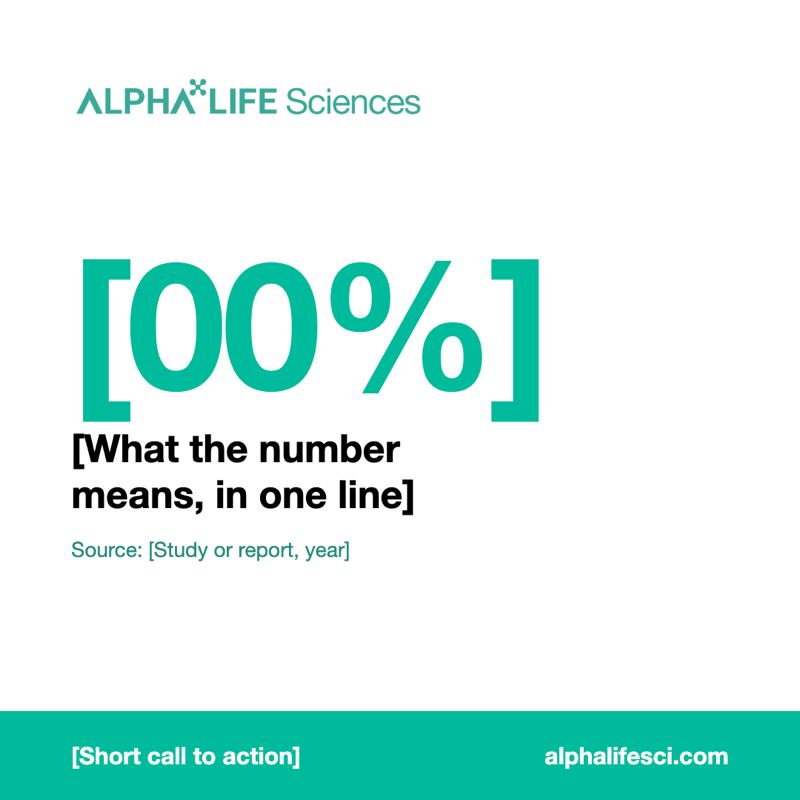
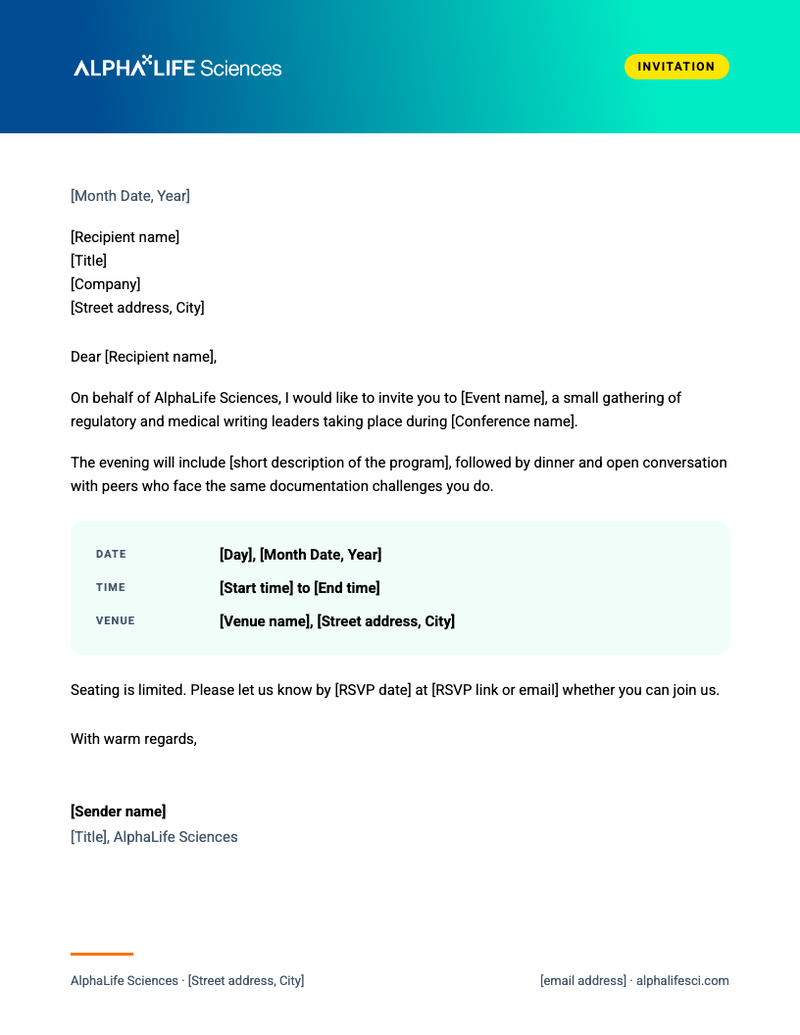
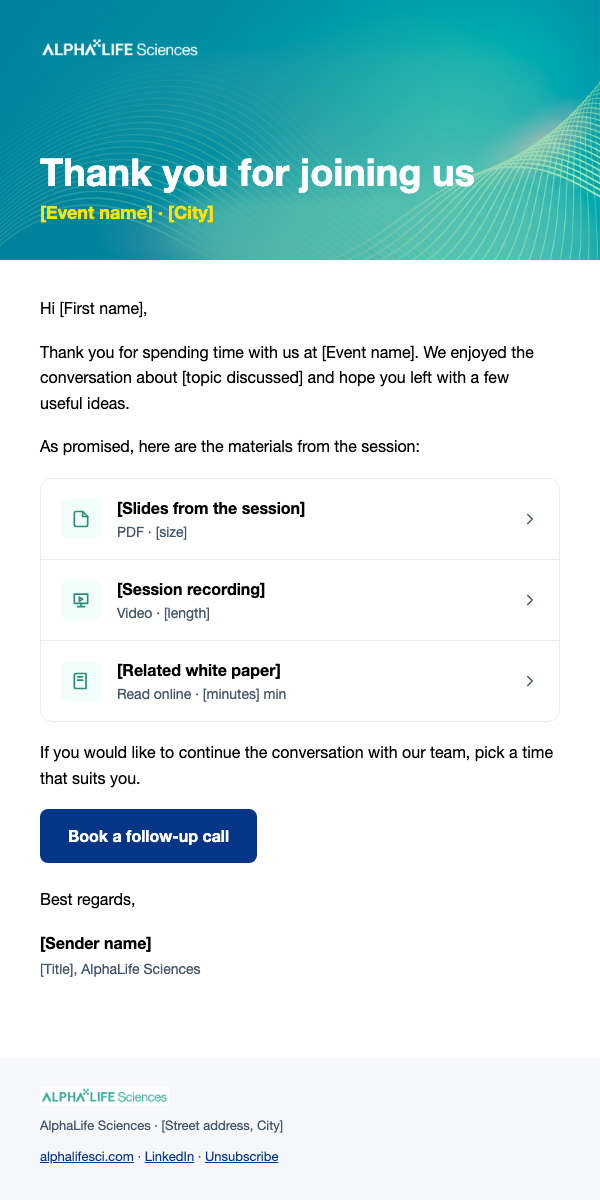
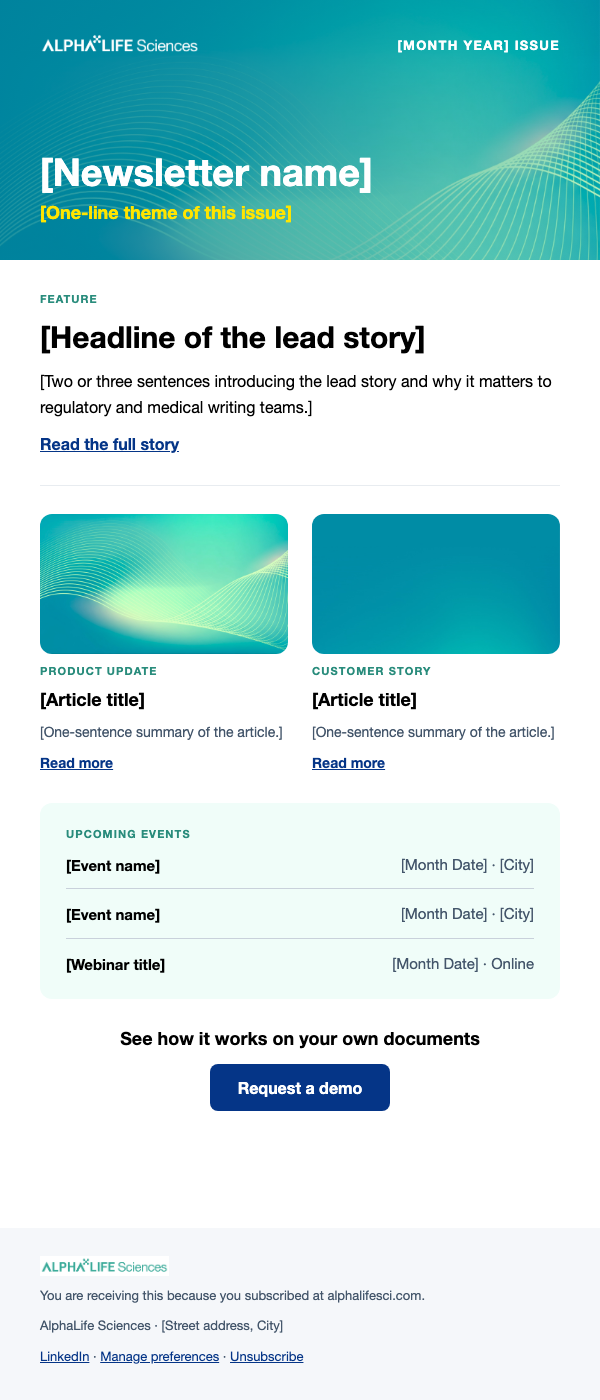
Ready-made layouts for field and event marketing, built on the brand rules. Replace every [bracketed] placeholder before use.
Edit in Claude Design
Open the canvas in Claude, duplicate the layout you need and edit it there. Ask Annie for access if the link does not open.
Stationery
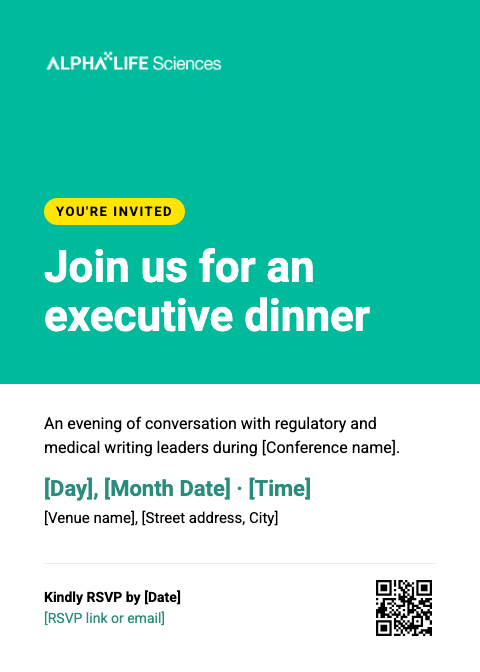
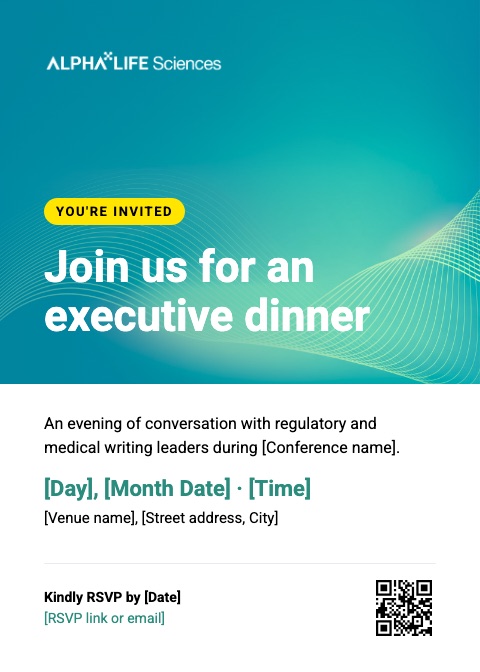
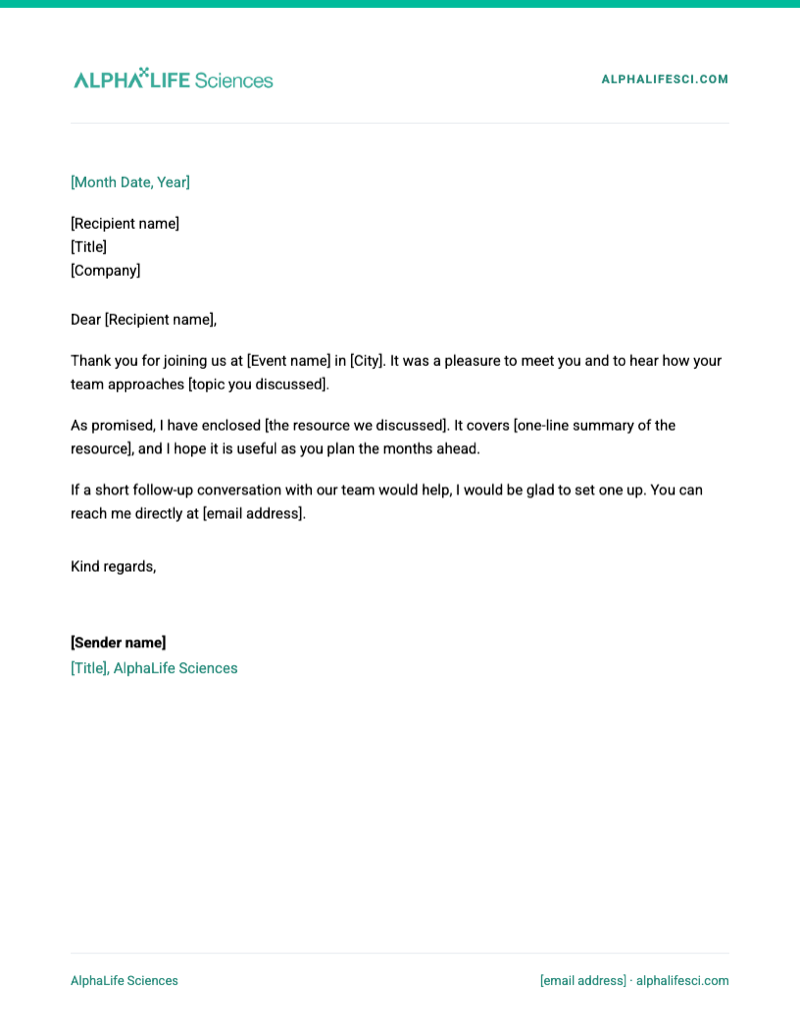
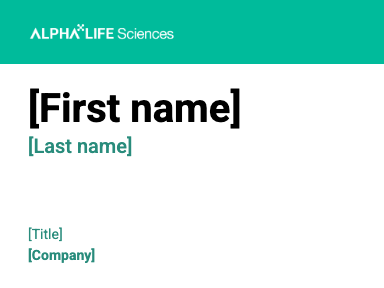
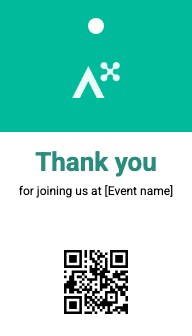
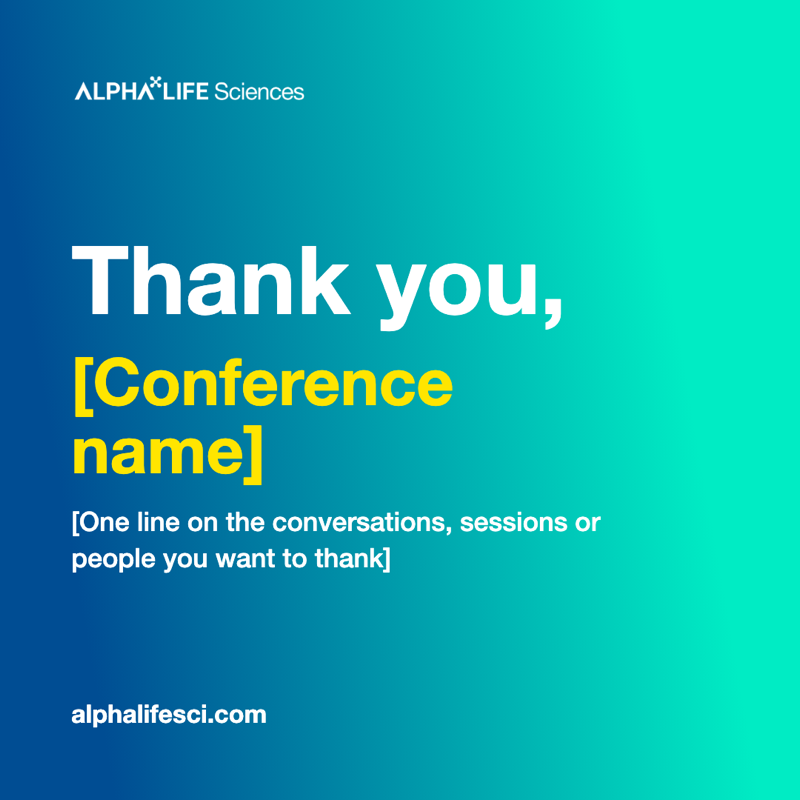
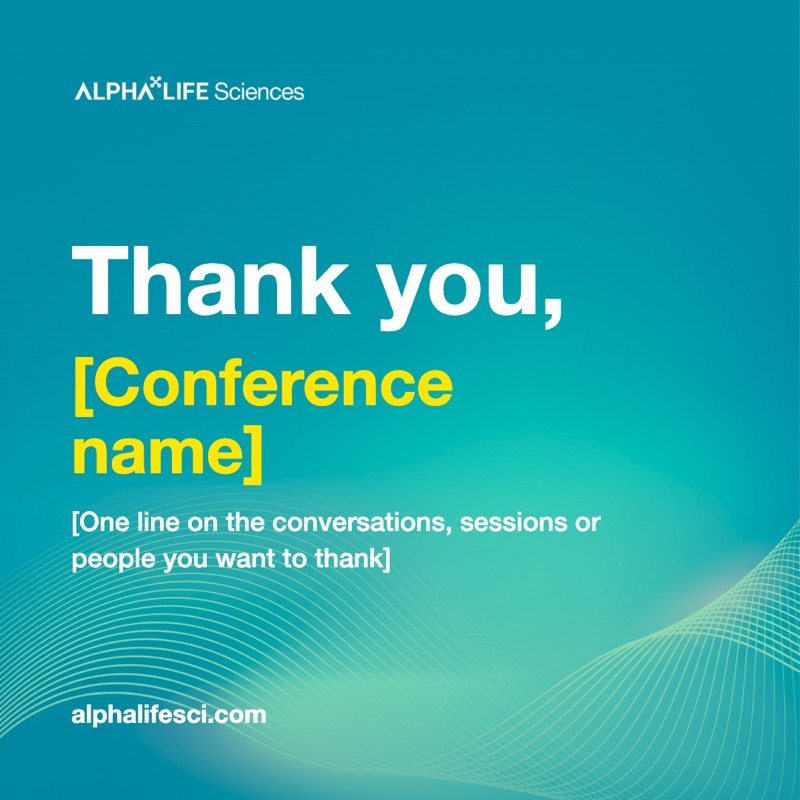
 Thank-You Card
5.5×4.25 in · front and back

On-Site

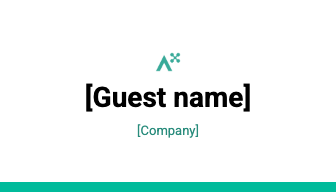
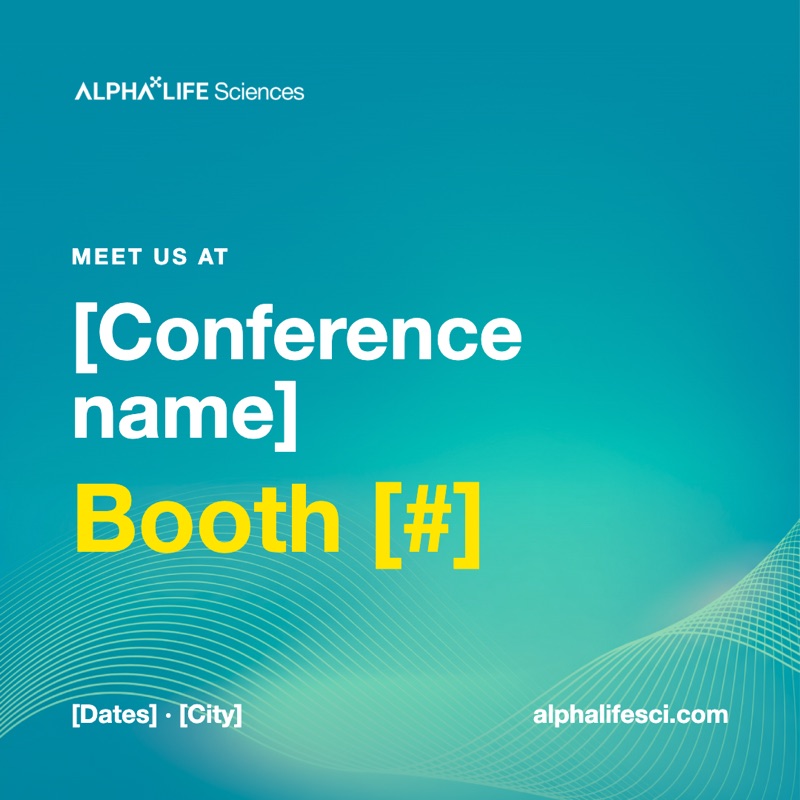
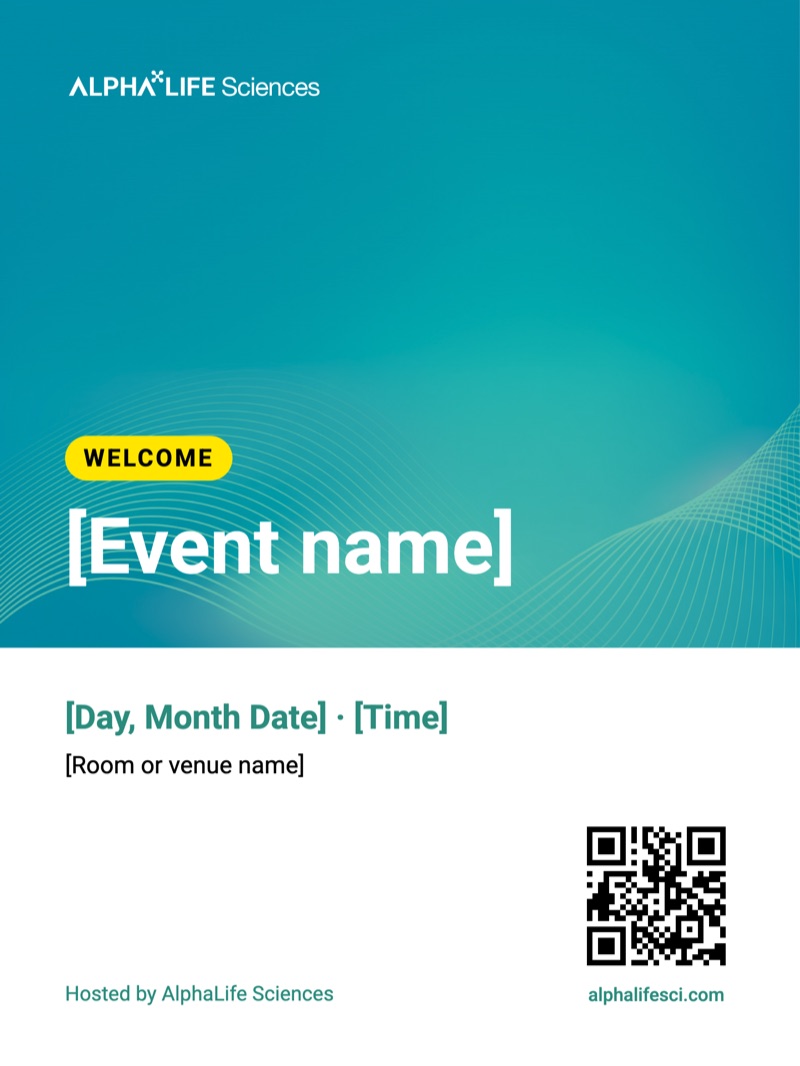
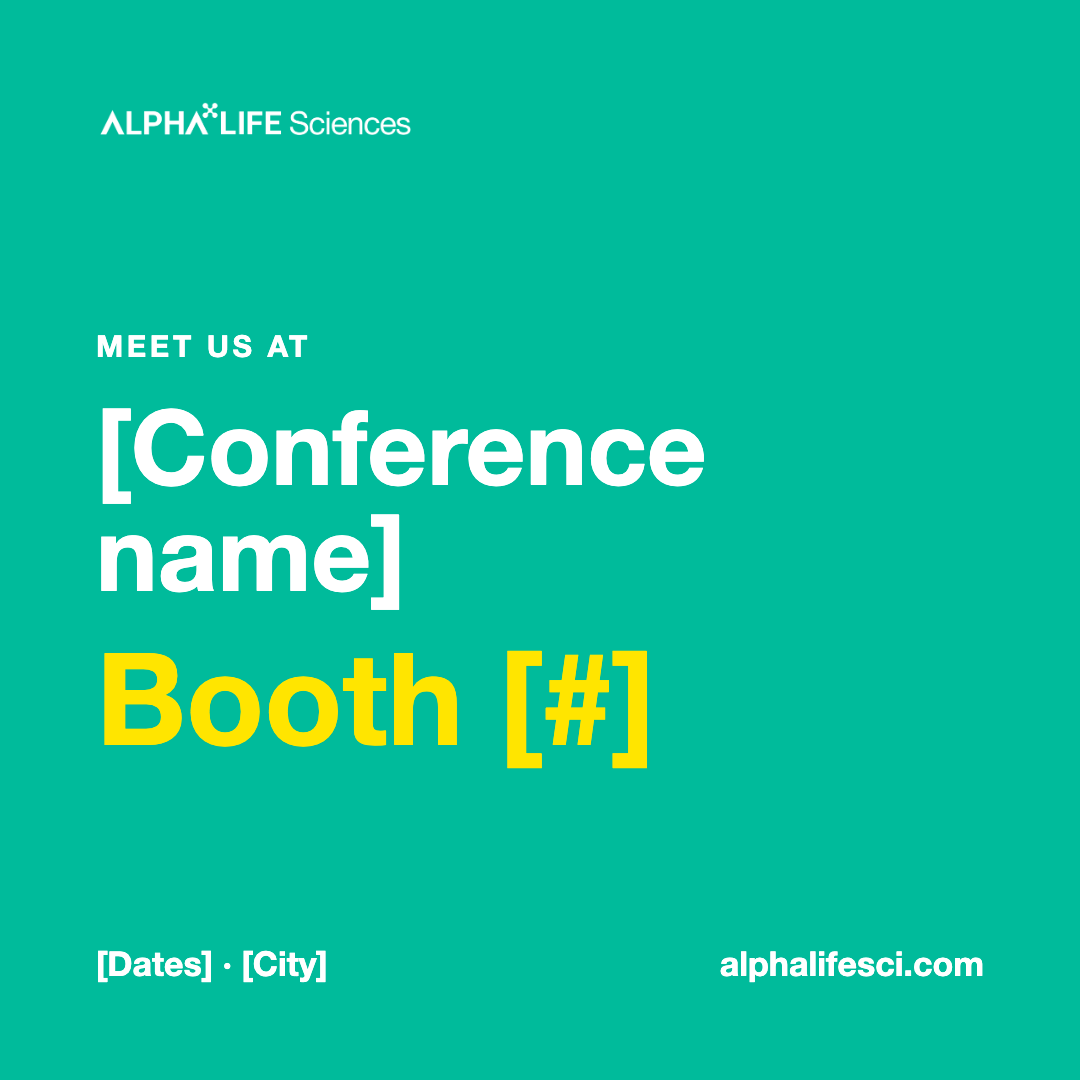
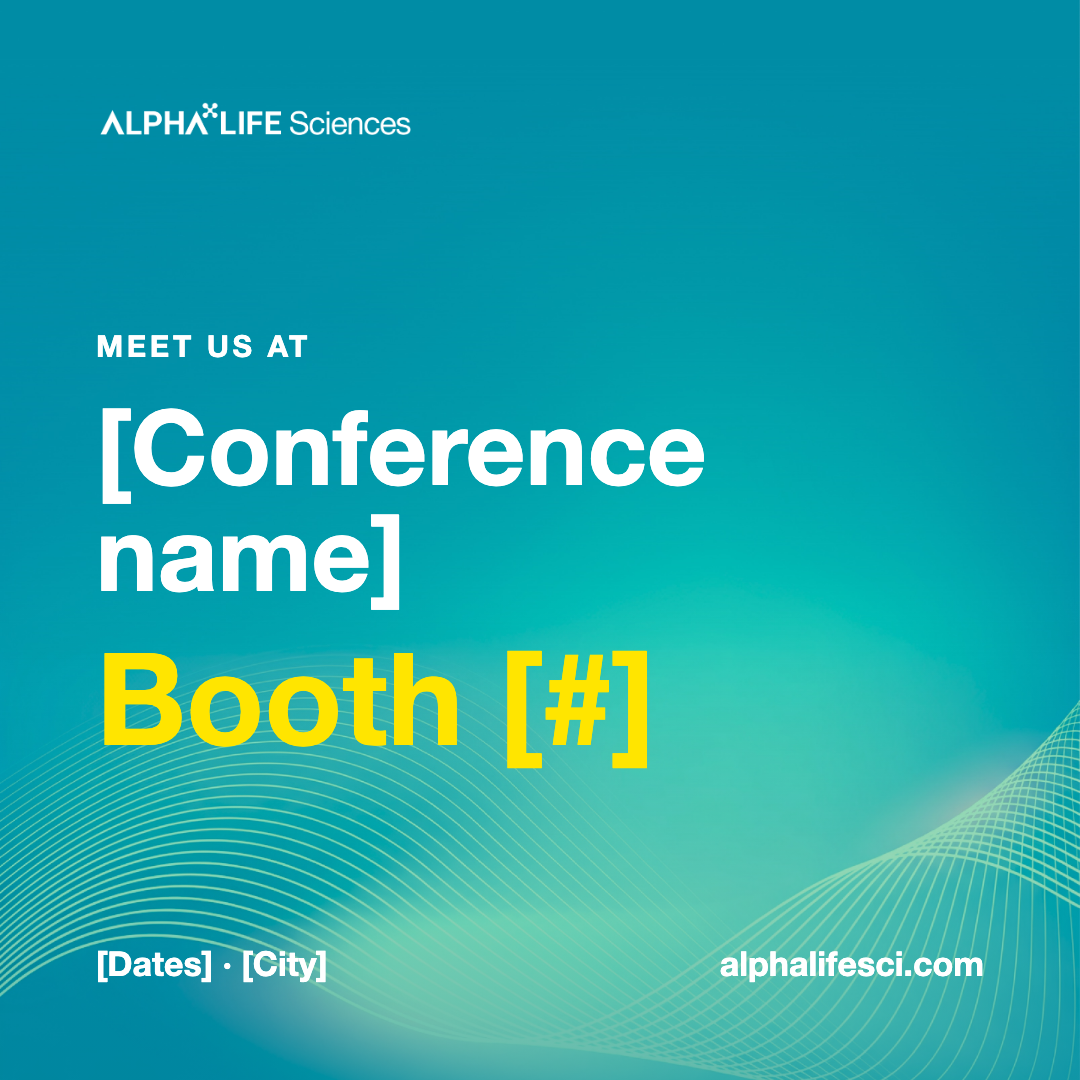
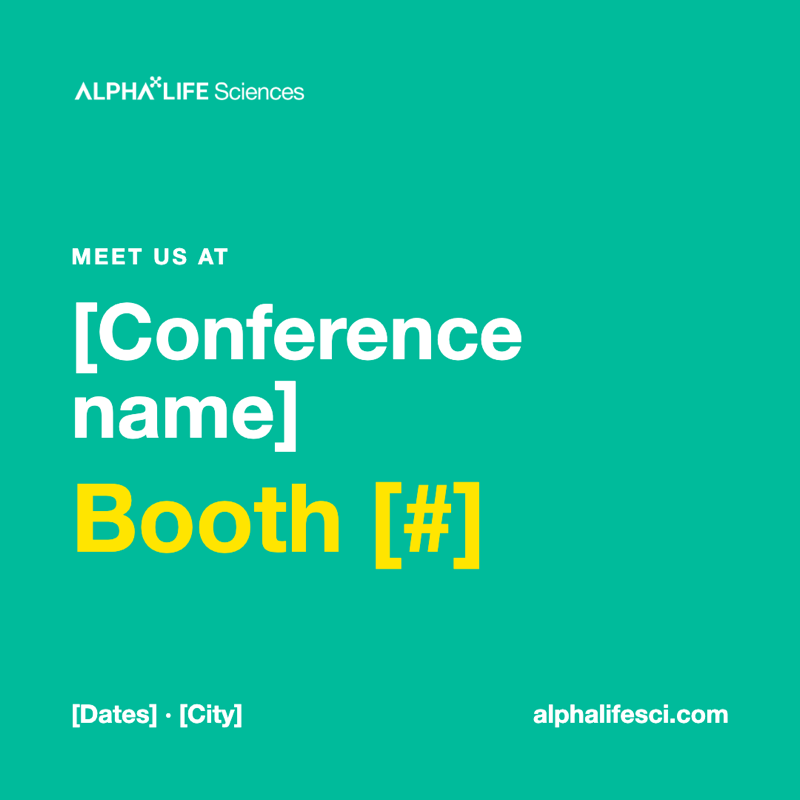 Meet Us at Booth Social Post
1080×1080 px
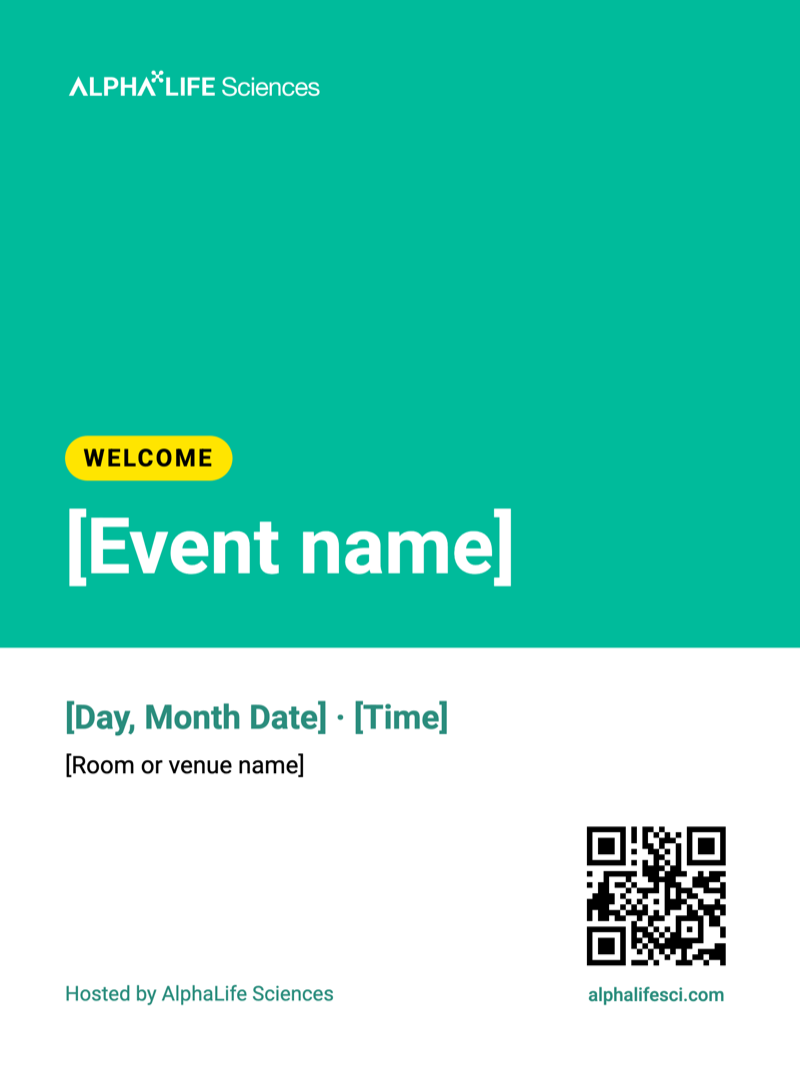
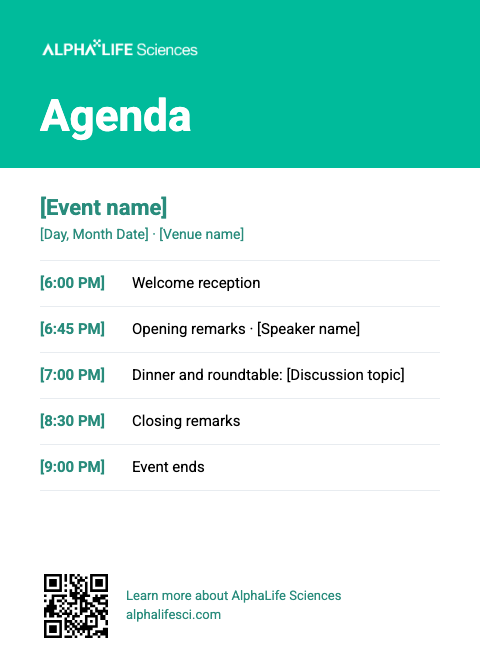
Before & After the Event
 Invitation Email Header
1200×400 px



Small Items
 Business Card
3.5×2 in · front and back


Social & Digital
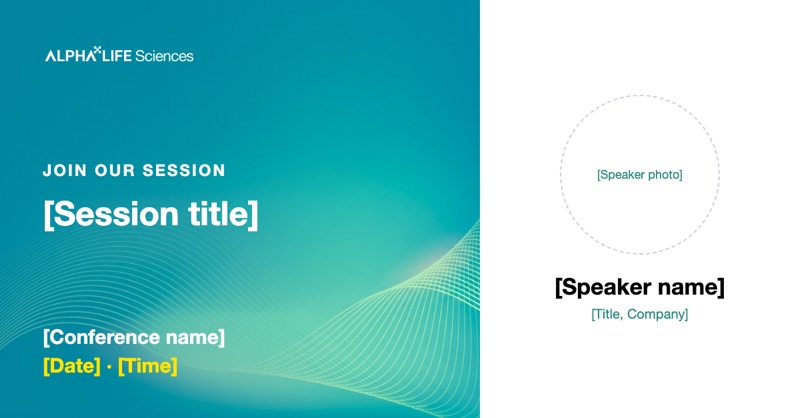
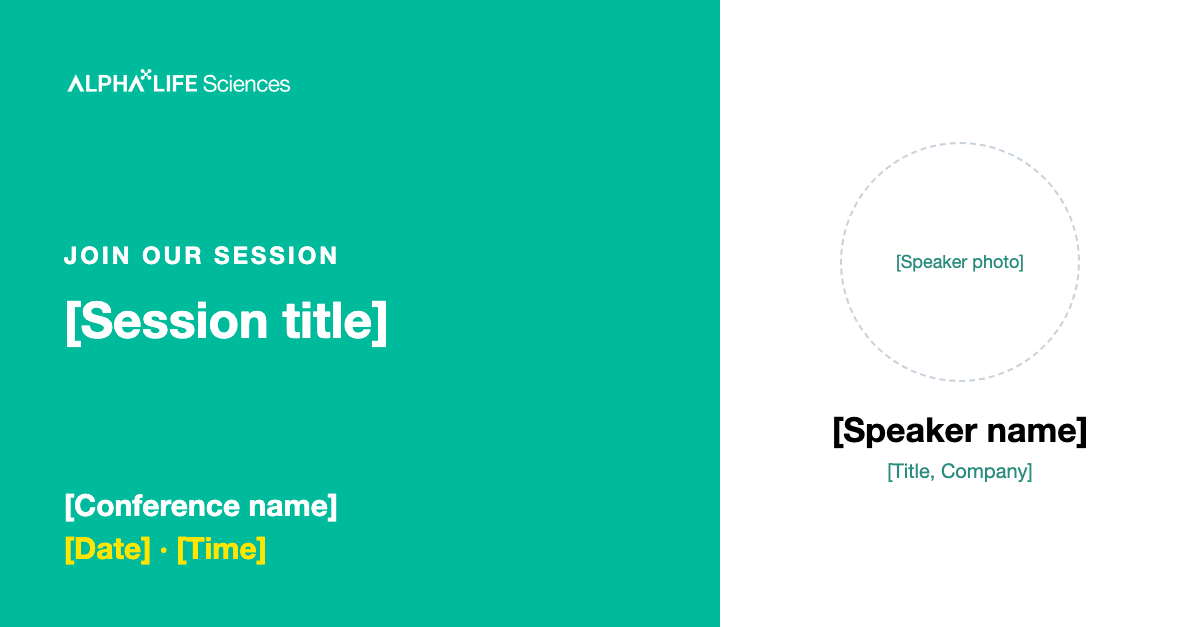
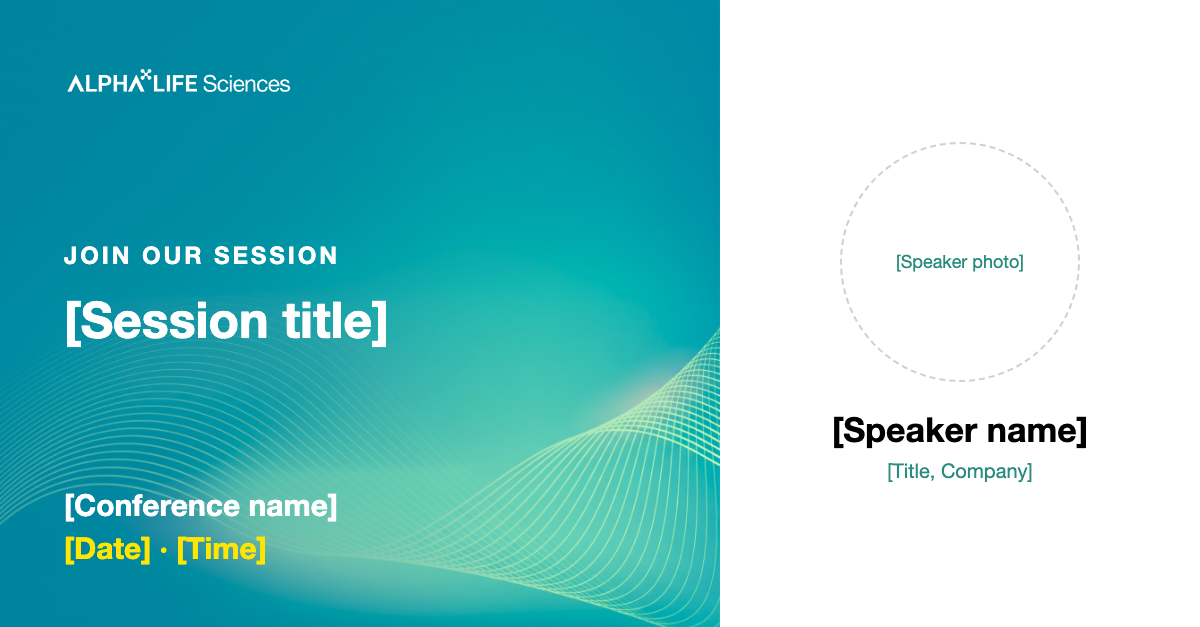
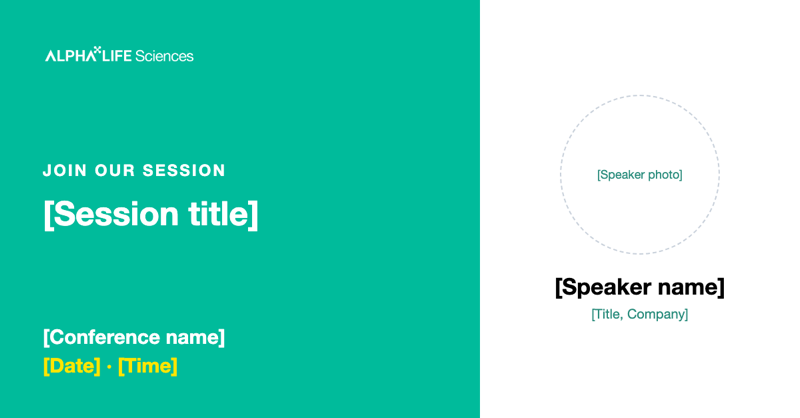 Speaker Announcement
1200×627 px
 LinkedIn Event Banner
1584×396 px

 Email Signature Banner
1200×300 px

Swag & Extras

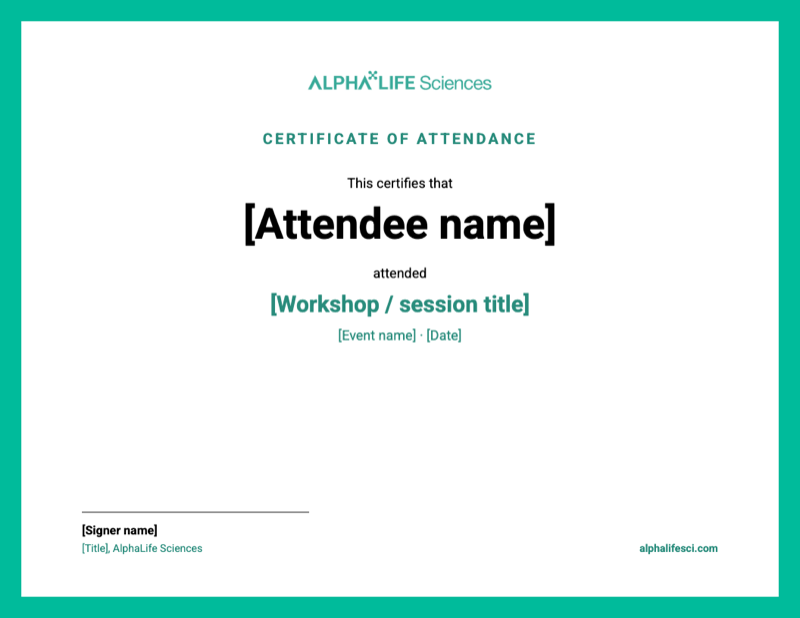
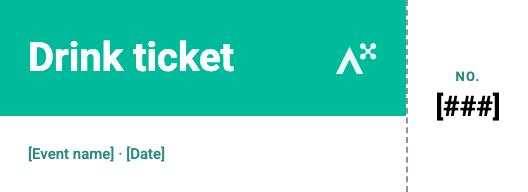
LinkedIn & Mobile Campaign






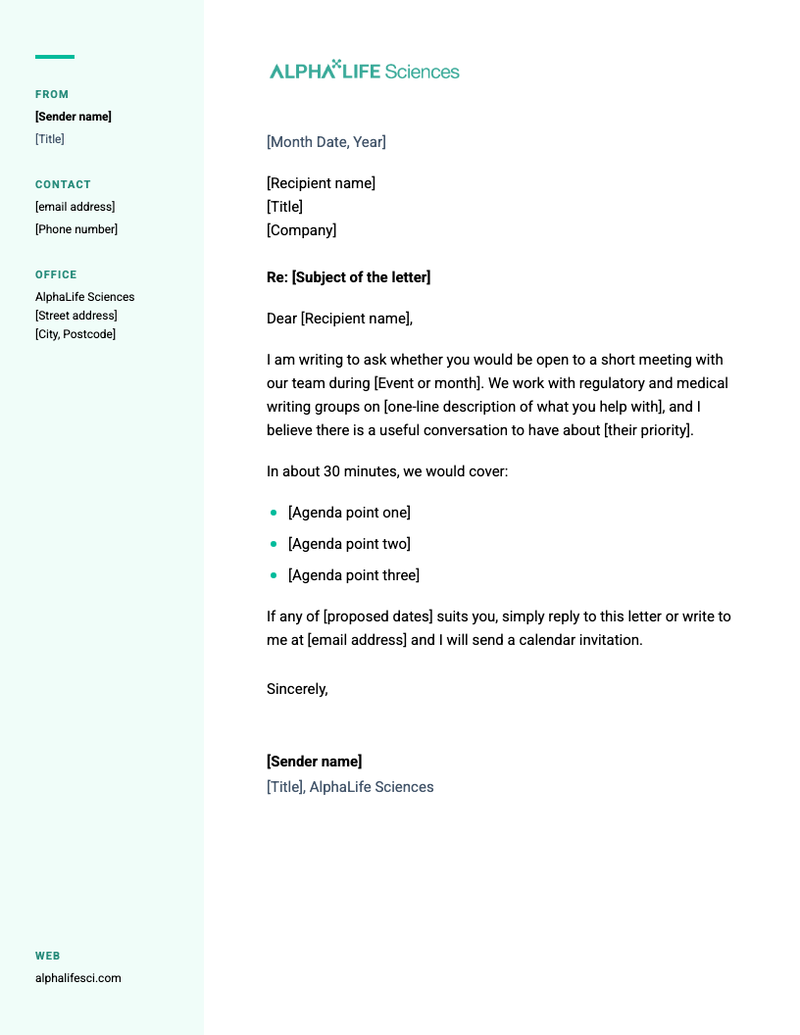
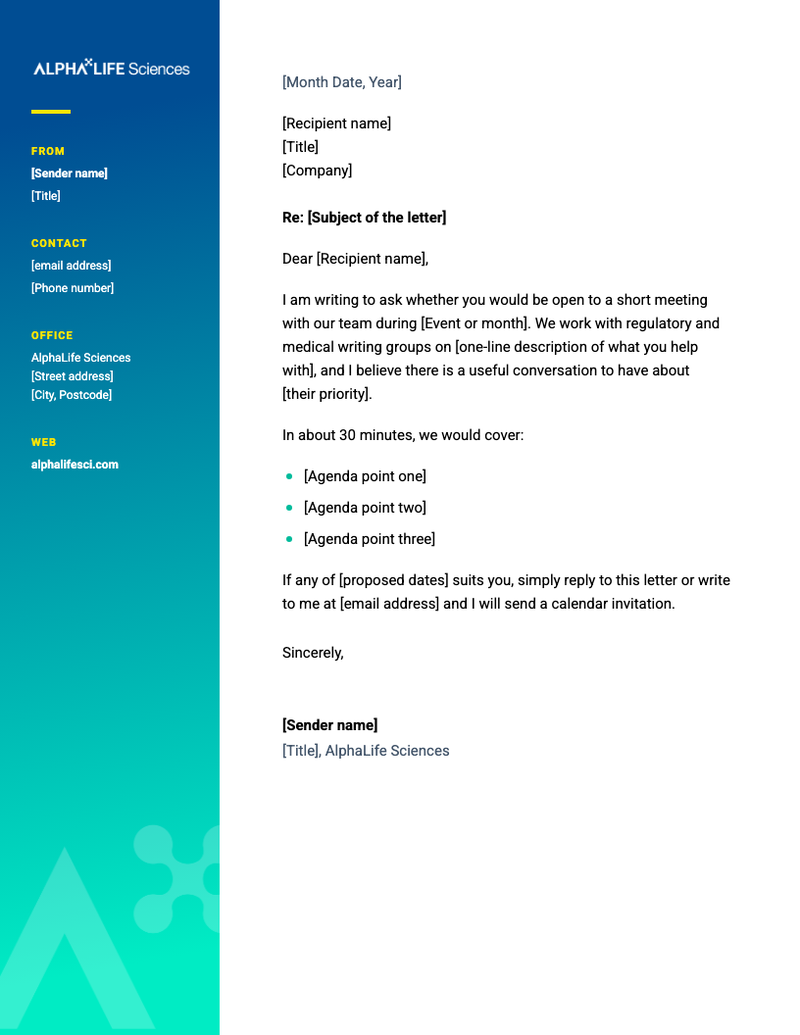
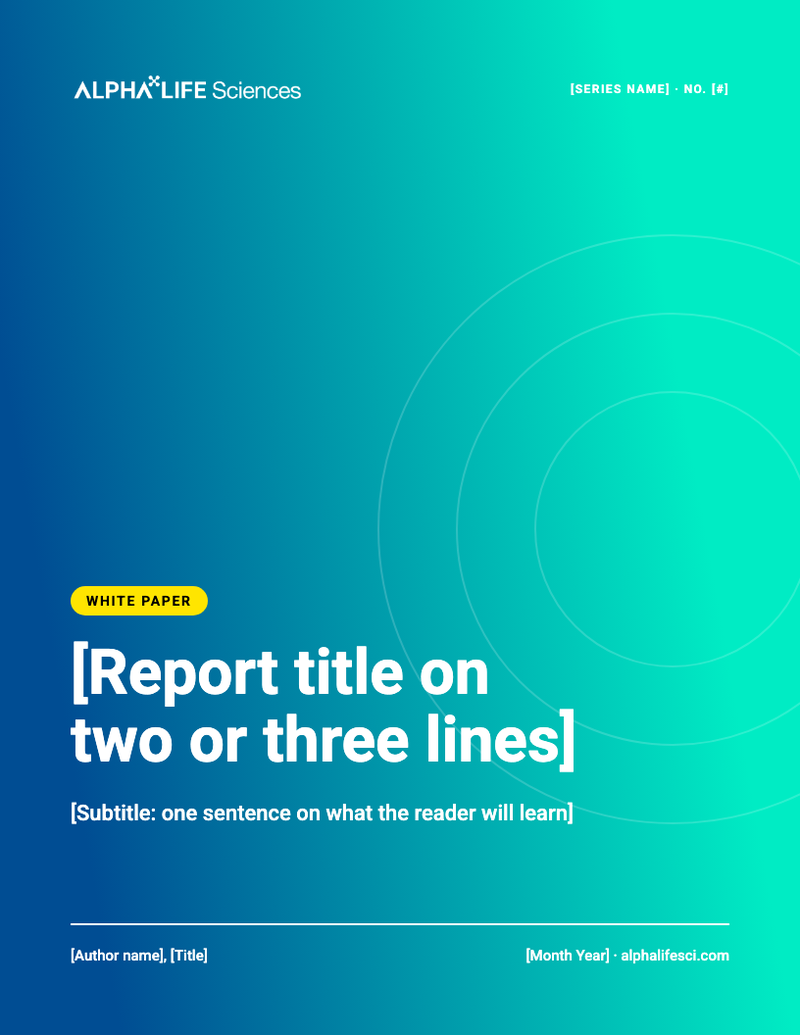
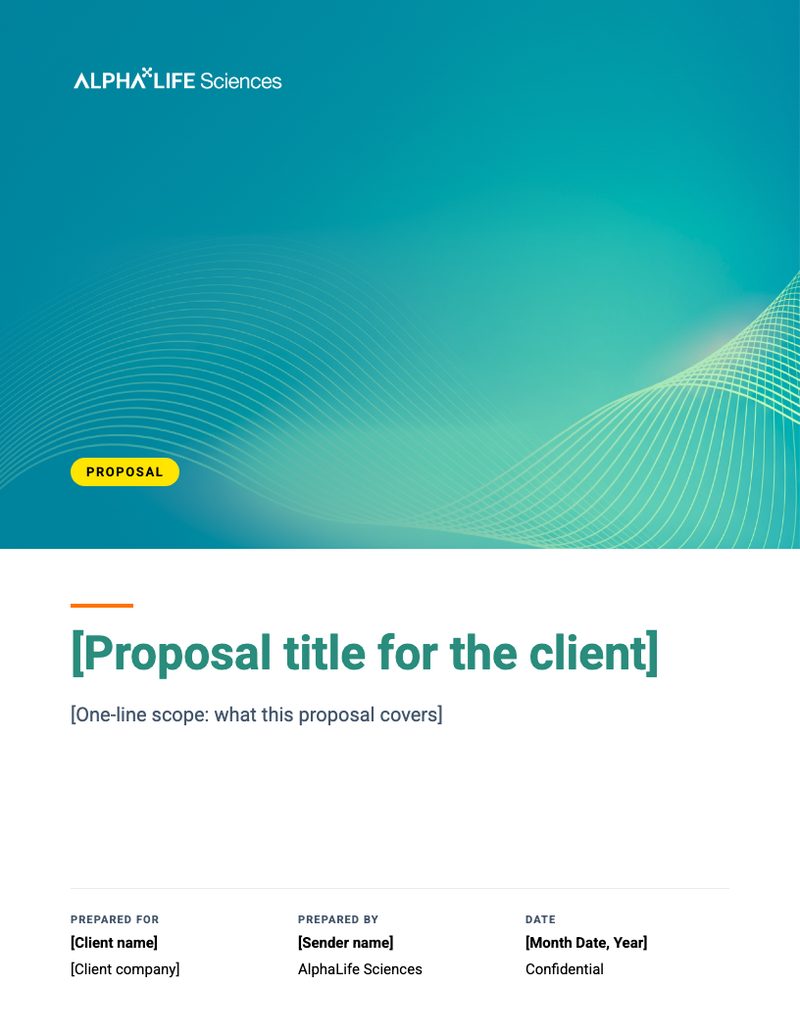
Letters, Emails & Covers
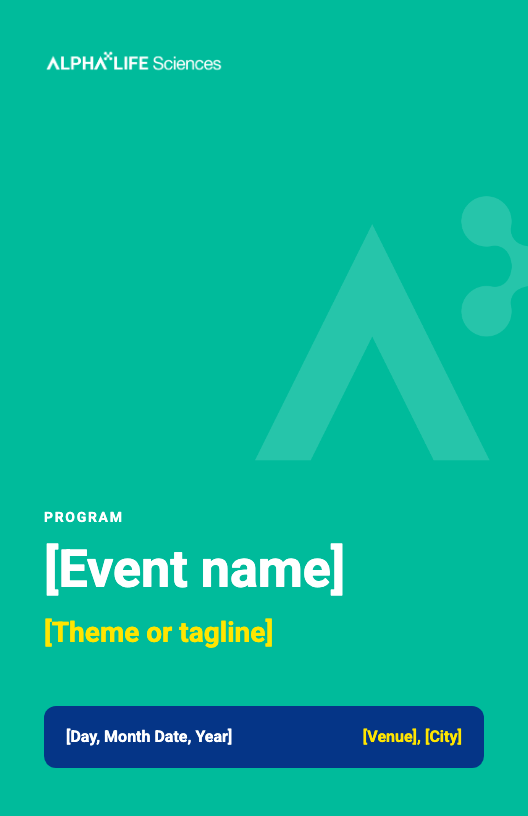
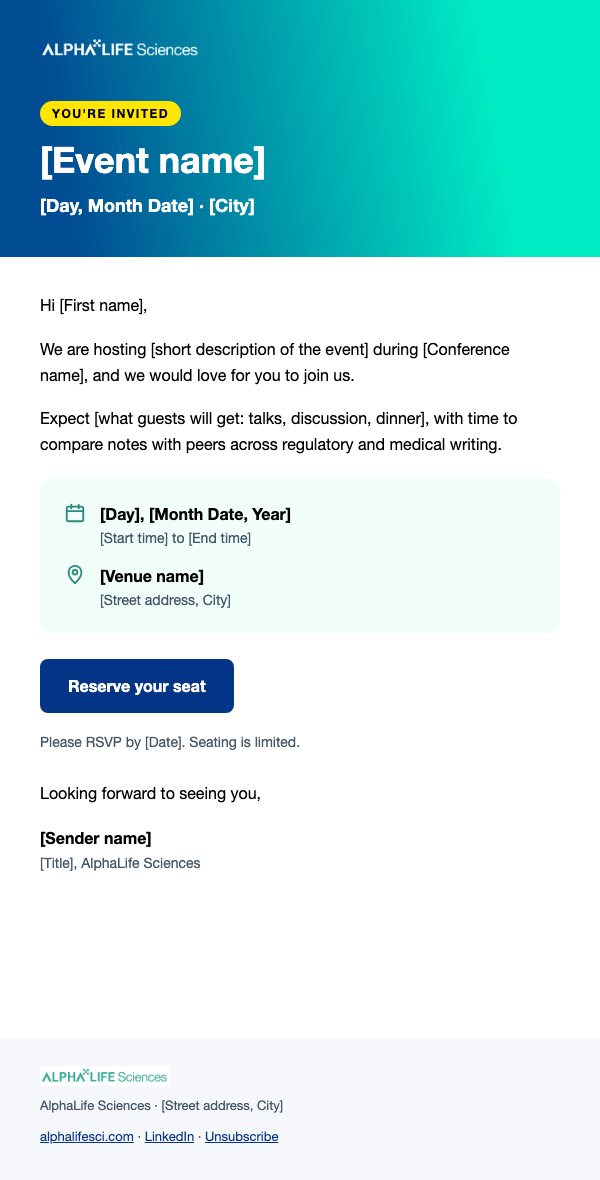
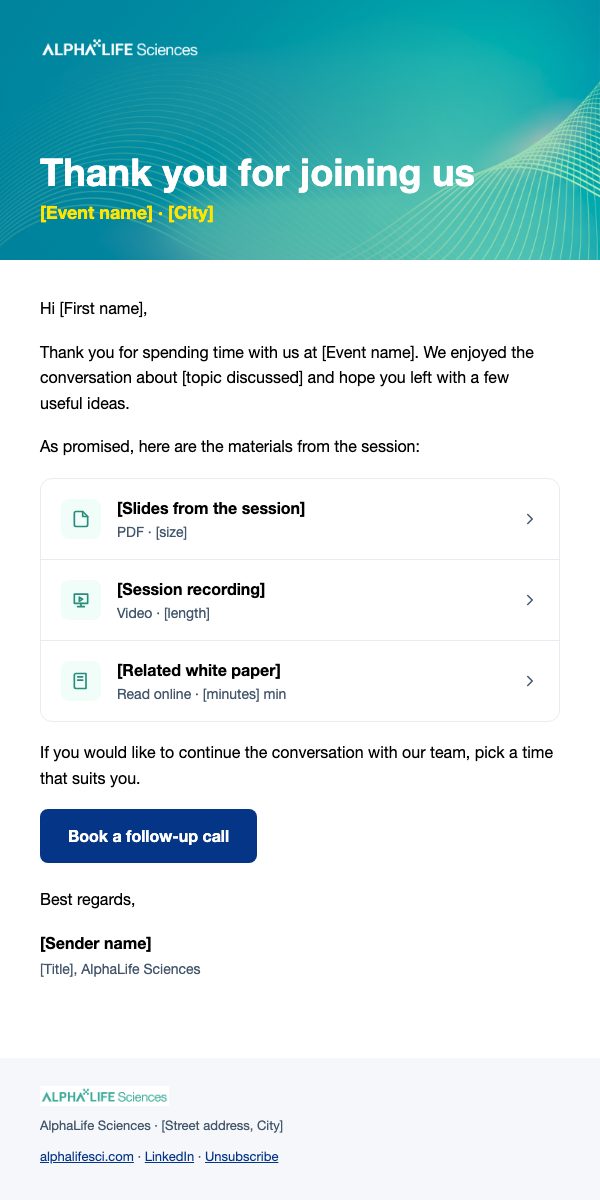
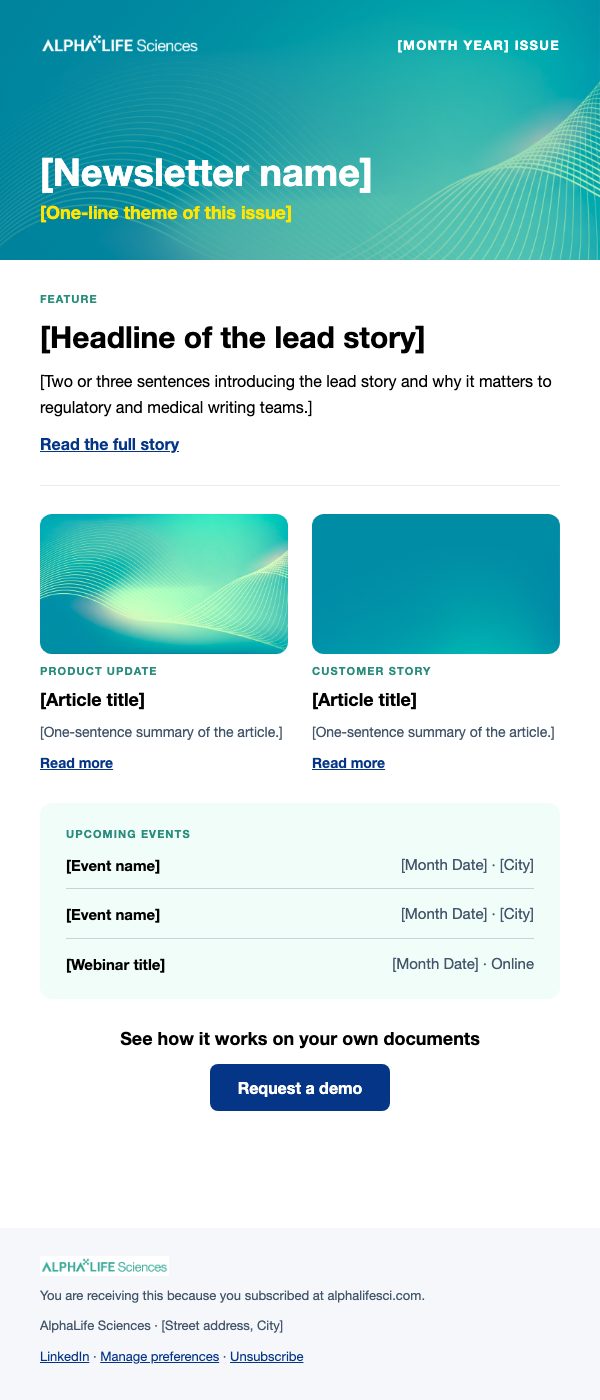






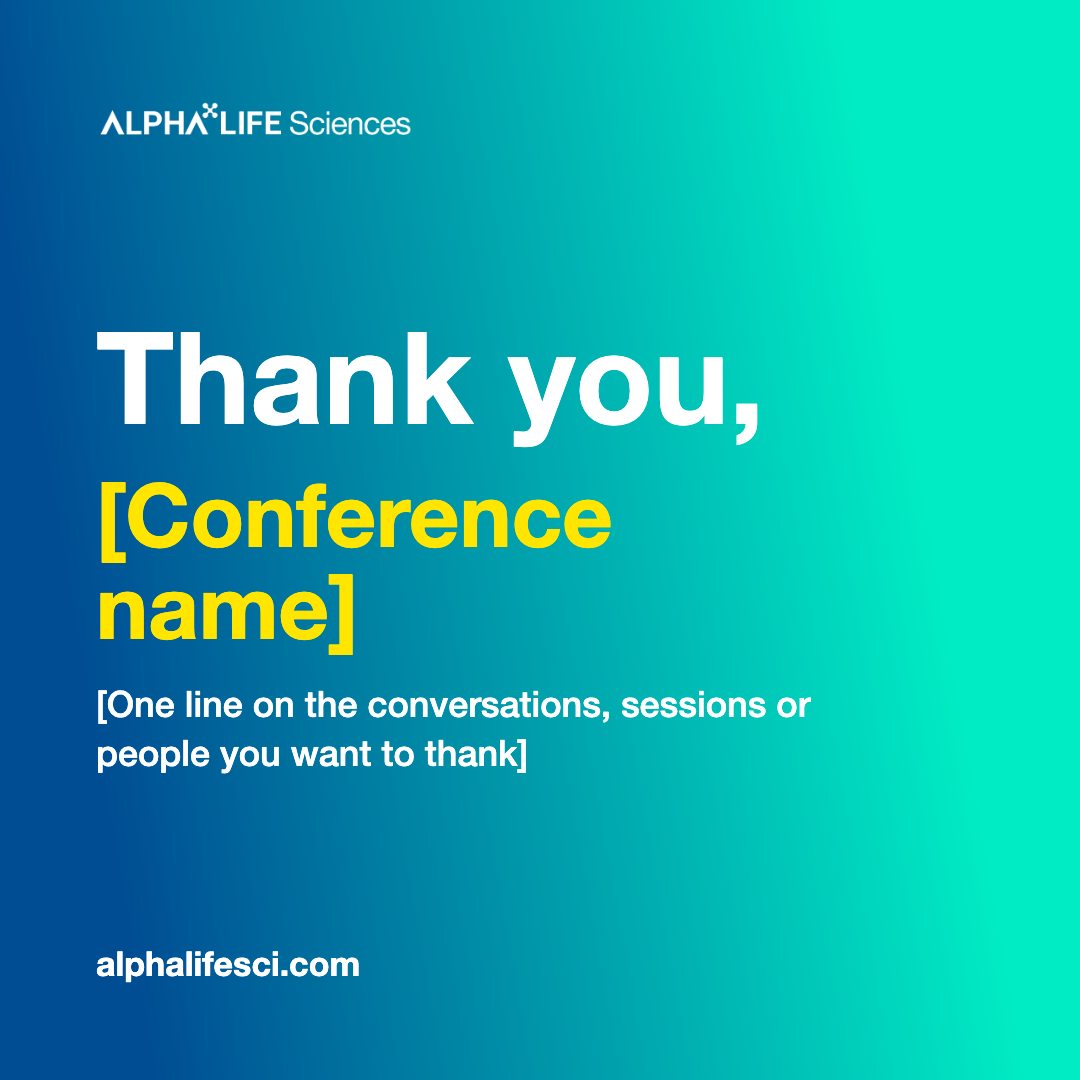
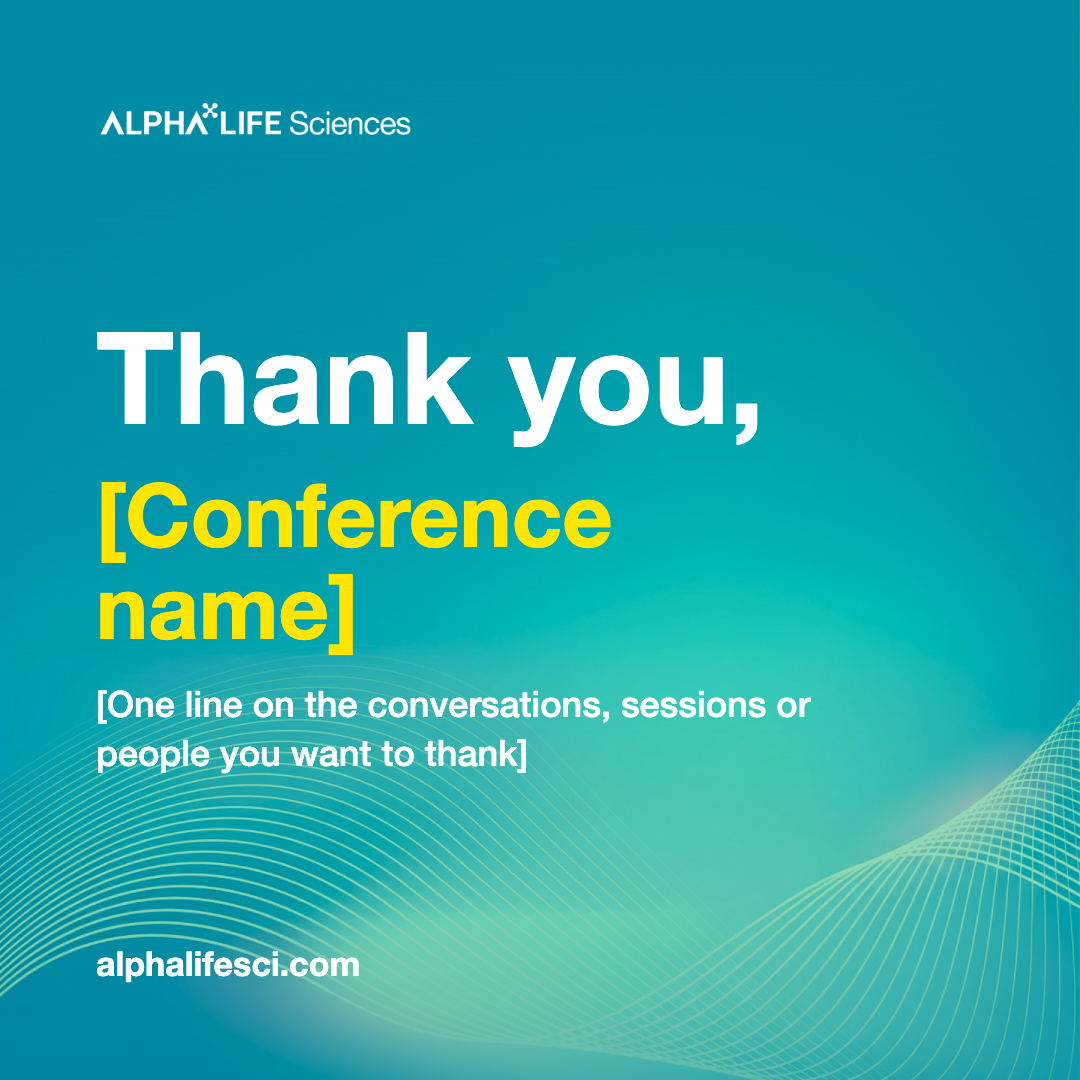

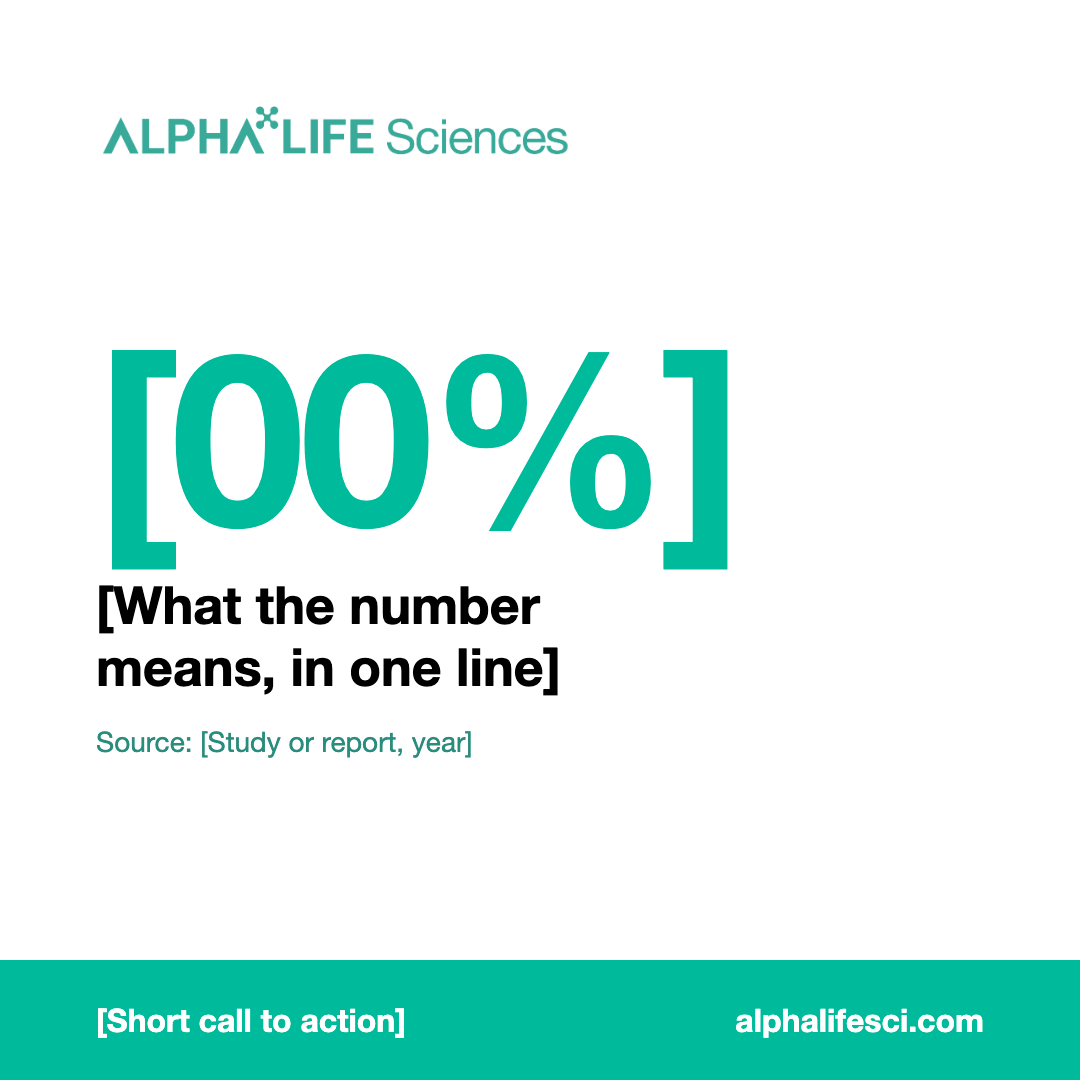





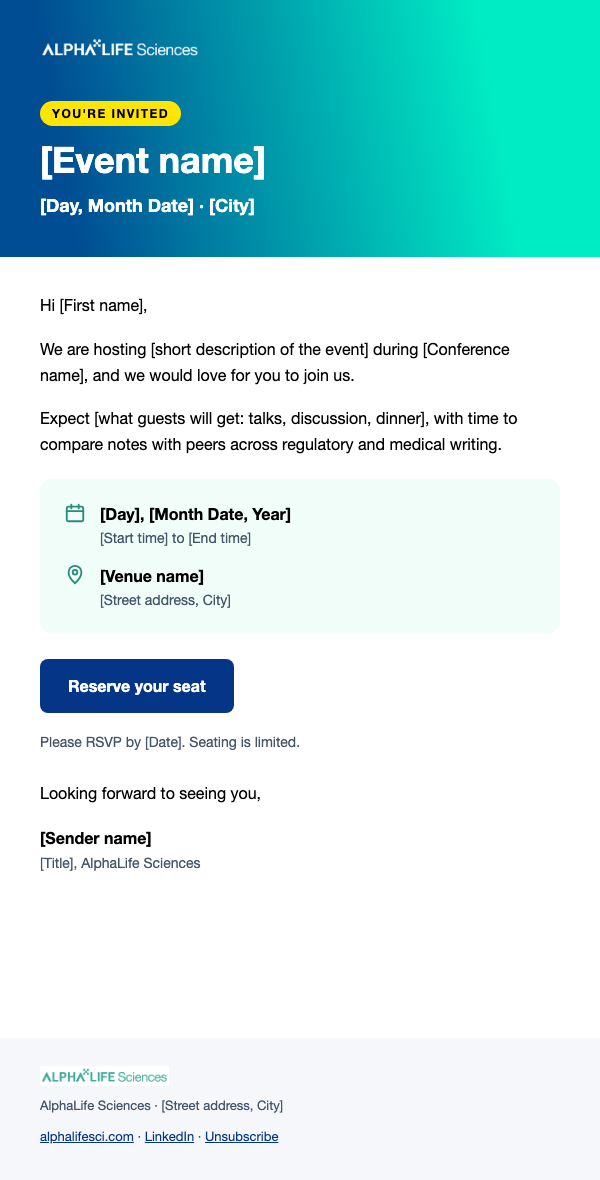
Print Notes
- Fonts: Roboto for print pieces, Helvetica Neue for screen pieces (social posts, LinkedIn banner, email header and email signature).
- QR codes on these templates point to alphalifesci.com. Swap in another code from QR Codes if the piece needs a different page.
- No bleed in the PDFs. Ask the printer for their bleed spec (usually 0.125 in / 3 mm) and extend the backgrounds in Claude Design before the final print file.
- Test-scan every QR code on the proof with a phone before printing.
Design with Claude
The same colors, type, text-color rules and official logos are set up as a Claude Design System, so graphics you create with Claude start on-brand. Ask Marketing for access if the link does not open.
Open the AlphaLife Design System